

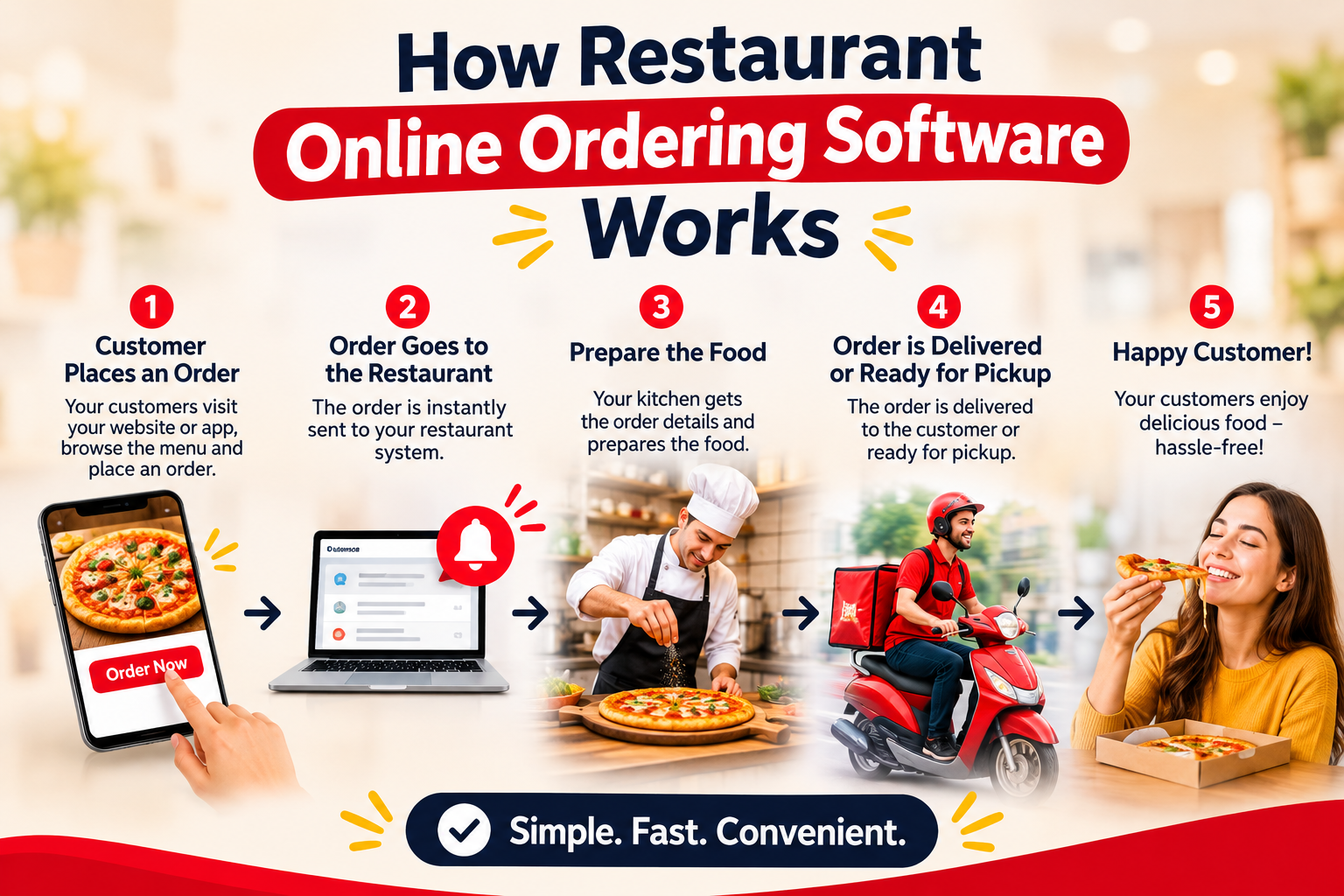
If you’ve ever ordered a pizza from a restaurant’s own website and had it show up right on time, you’ve seen online ordering software at work. For restaurant owners, it can look like magic. It’s actually a simple, well-organized process.
Here’s how it works, step by step.
1. Your menu goes online
You add your dishes, prices, photos, and options (like “extra cheese” or “no onions”) to a dashboard. The software turns this into a mobile-friendly ordering page or a section of your website. Change a price or mark an item “sold out” once, and it updates everywhere.
2. The customer places an order
Customers browse the menu, choose pickup or delivery, customize their items, and check out. No phone call, no misheard order, no waiting on hold.
3. Payment is handled securely
The software connects to a payment gateway that processes cards and digital wallets. Customers pay upfront, and the money goes to your account. Look for software that uses encrypted, PCI-compliant payments.
4. The order reaches your kitchen instantly
The moment payment clears, the order appears on a tablet, a kitchen display, or a printer. Staff see exactly what was ordered, with every note and modification, so mistakes drop.
5. Delivery or pickup is managed
For pickup, the customer gets a ready-time estimate. For delivery, the order goes to your own drivers or a connected delivery partner, and the customer receives status updates.
6. You get the data
Every order feeds into reports: best-selling dishes, peak hours, average order value, and repeat customers. This is where owners often find the most value, because you can spot what’s working and adjust.
Why restaurants use it
- More control: Your brand, your customer data, your pricing.
- Fewer errors: Orders go straight to the kitchen, not through a phone call.
- Lower commissions: Ordering from your own site avoids the high per-order fees many third-party apps charge.
- Direct customer relationships: You can build loyalty through repeat orders and offers.
What to look for when choosing software
Ask about setup time, payment fees, support, and whether it works with your POS and printers. Ask for a demo and speak to a real person before committing.
FAQ
Is online ordering software hard to set up?
Most platforms get you running in days, not weeks, especially if your menu is ready.
Do I need my own website?
Not always. Many systems give you a ready-made ordering page, though adding it to your site helps with branding and search visibility.
Can small restaurants use it?
Yes. It’s useful for restaurants of any size, from a single café to a multi-location chain.
Ready to take orders directly? Explore how Nexordr can help your restaurant →