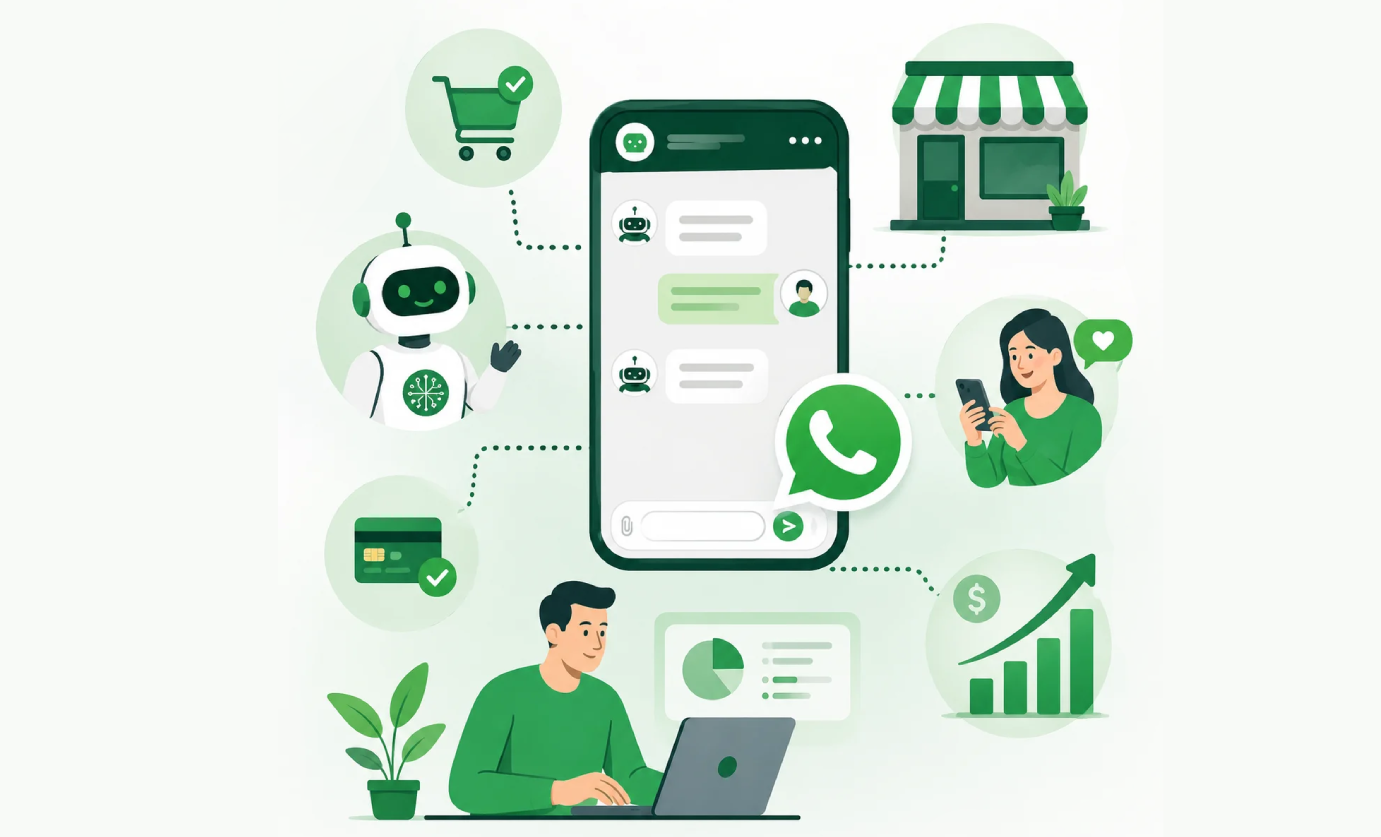
Let Guests Scan, Order, and Pay Without Waiting for Staff

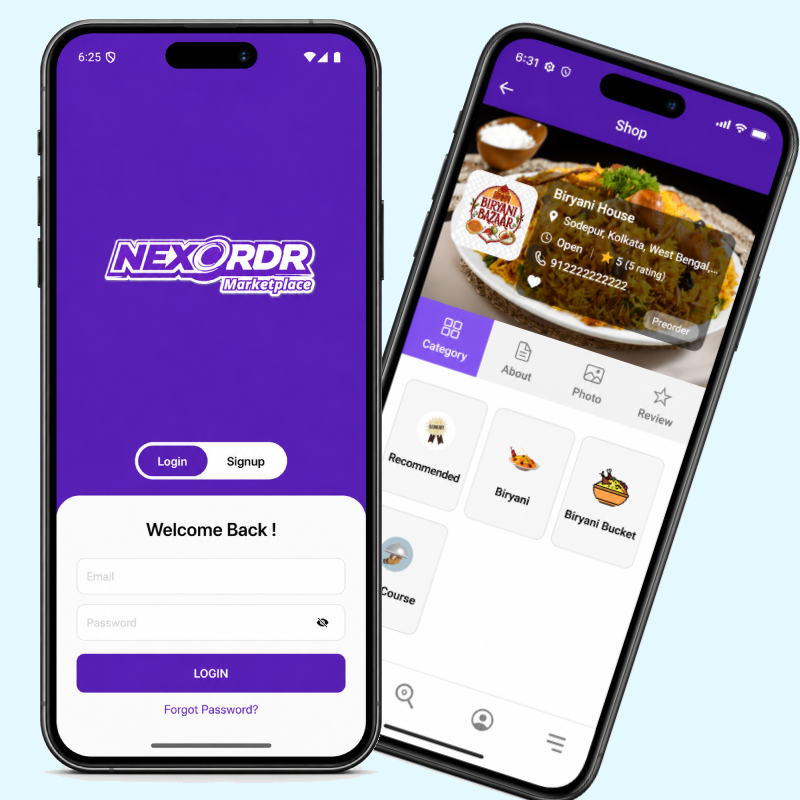
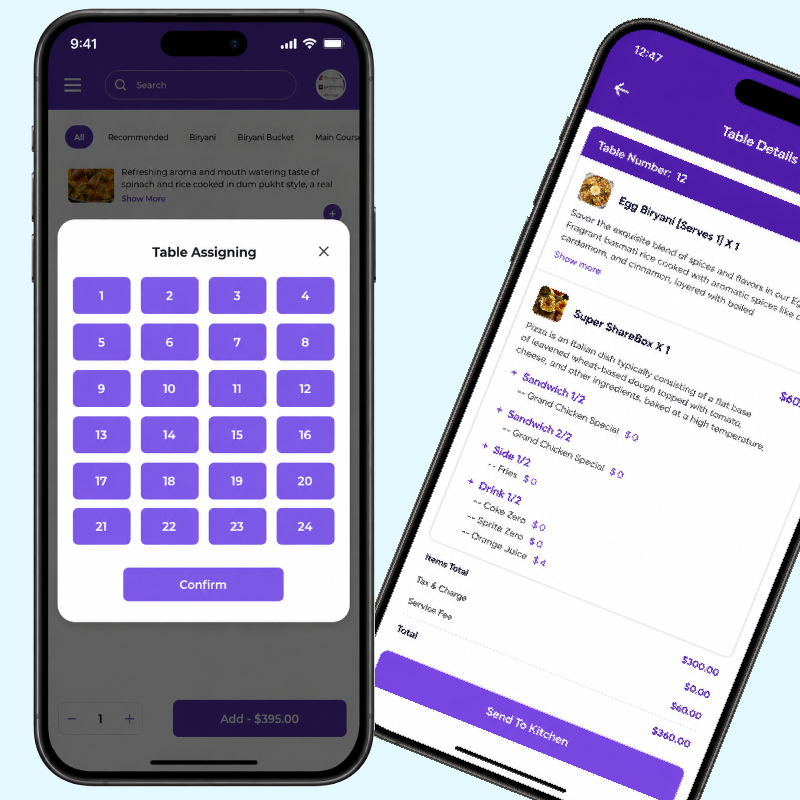
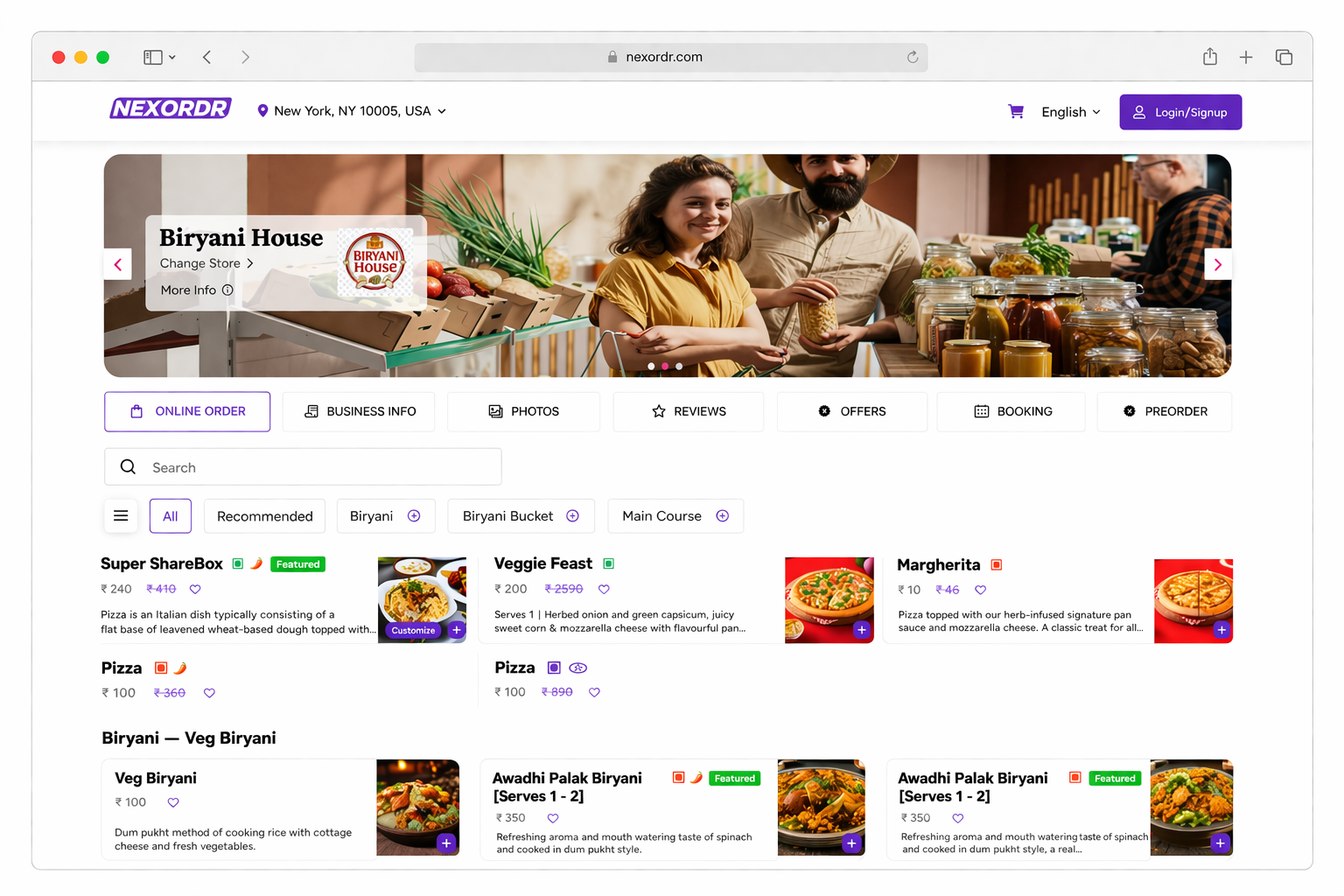
Nexordr QR Code Menu Ordering gives restaurants a fast, contactless, and branded ordering experience. Guests scan a QR code from the table, browse your digital menu, customise items, place orders, and send them straight to your kitchen dashboard.

Reduce ordering delays, improve table turnover, increase upsells, and give your team a smoother way to manage dine-in service.

No app download needed

Works by table QR code

Kitchen-ready orders

QR Menu + Table Ordering System

Scan Table 12

Open menu instantly and start ordering.

Nexordr Digital Menu Fresh bites, quick ordering
🍔

Classic Burger

Add cheese, sauce, fries

🍕

Woodfire Pizza

Choose size and toppings

🥗

Garden Bowl

Fresh greens and dressing

🍰

Dessert Special

Chef recommended add-on

Live Table Order

Table12
Items4
StatusKitchen
Total$42.80

The Trusted Choice of 1,000+ Restaurants Worldwide

Wild Spice Virasat Client Client Client Leaugho Punjab Curry House Burgers With Attitude Lauritos Client Wild Spice Virasat Client Client Client Leaugho Punjab Curry House Burgers With Attitude Lauritos Client

A Complete QR Menu Ordering Platform for Modern Restaurants

Nexordr replaces printed menus and slow manual order-taking with a clean digital flow that connects guests, servers, kitchen teams, and restaurant managers.

Table QR Menu

Generate unique QR codes for each table, counter, room, or service area so orders arrive with the correct location attached.

Self-ordering Cart

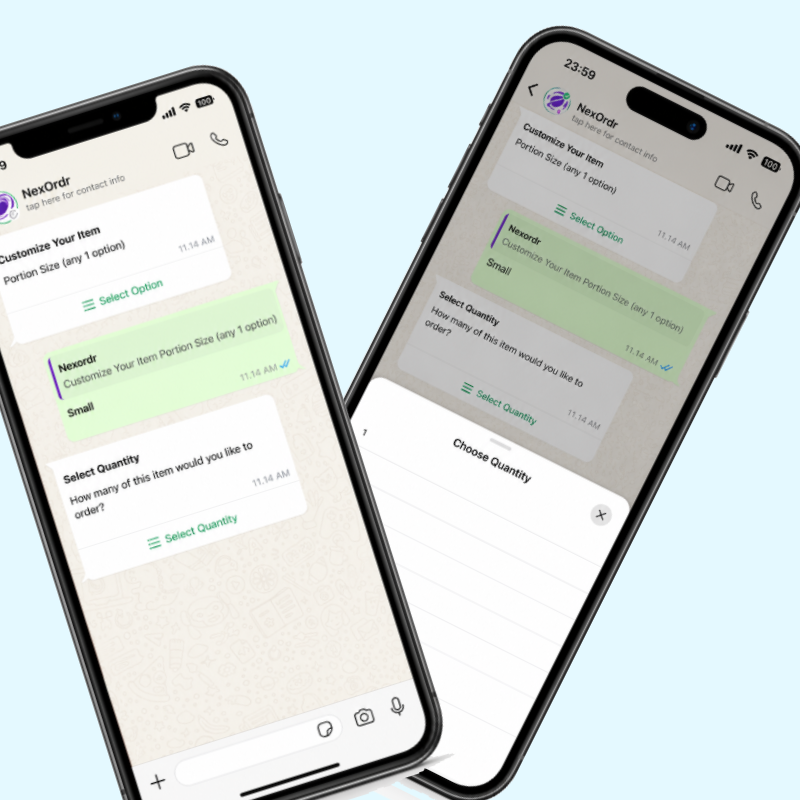
Guests can add items, choose modifiers, add notes, review their cart, and submit orders without waiting for staff.

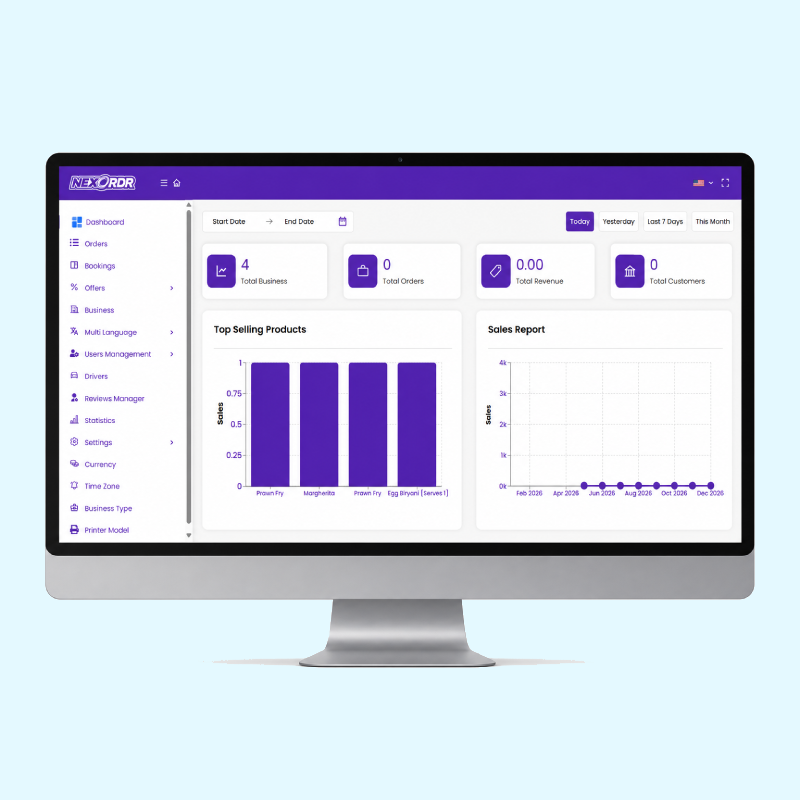
Kitchen Dashboard

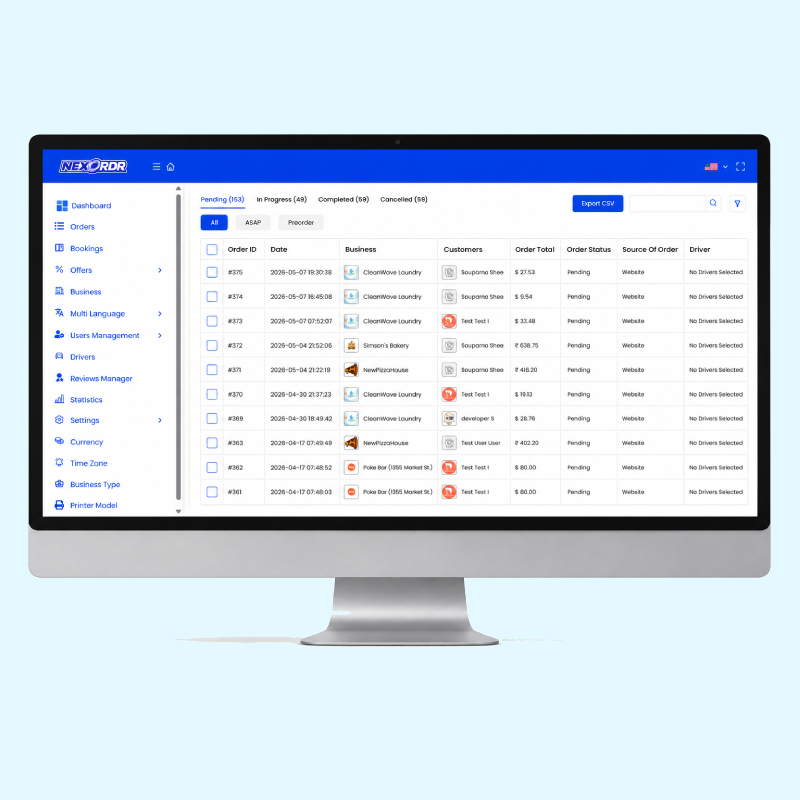
Every order moves directly to the kitchen screen with table number, item details, special notes, and preparation status.

Built to Make Dine-in Ordering Faster, Cleaner, and More Profitable

From menu control to table ordering and payment flows, Nexordr gives your restaurant a practical digital system that works during real service hours.

Unique QR code per table

Assign QR codes to tables, counters, hotel rooms, food courts, or zones for accurate order routing

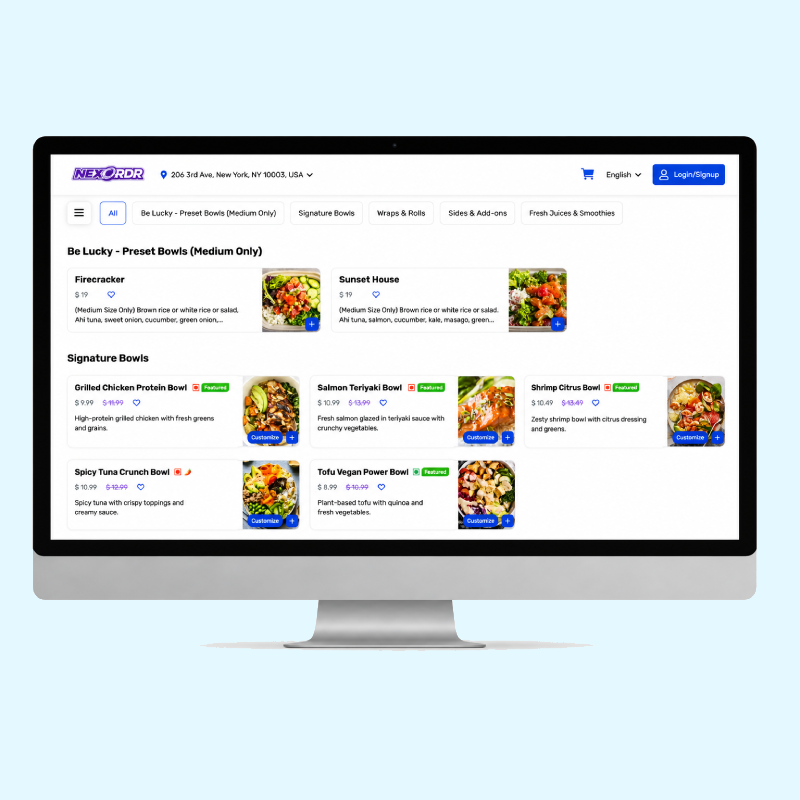
Smart digital menu builder

Add categories, images, prices, descriptions, add-ons, variants, and availability from one admin panel.

Modifiers and item notes

Let guests customise meals with toppings, spice levels, sides, extras, and preparation notes.

Pay online or at counter

Support digital payments, pay-at-table workflows, or staff-confirmed payment depending on your operation.

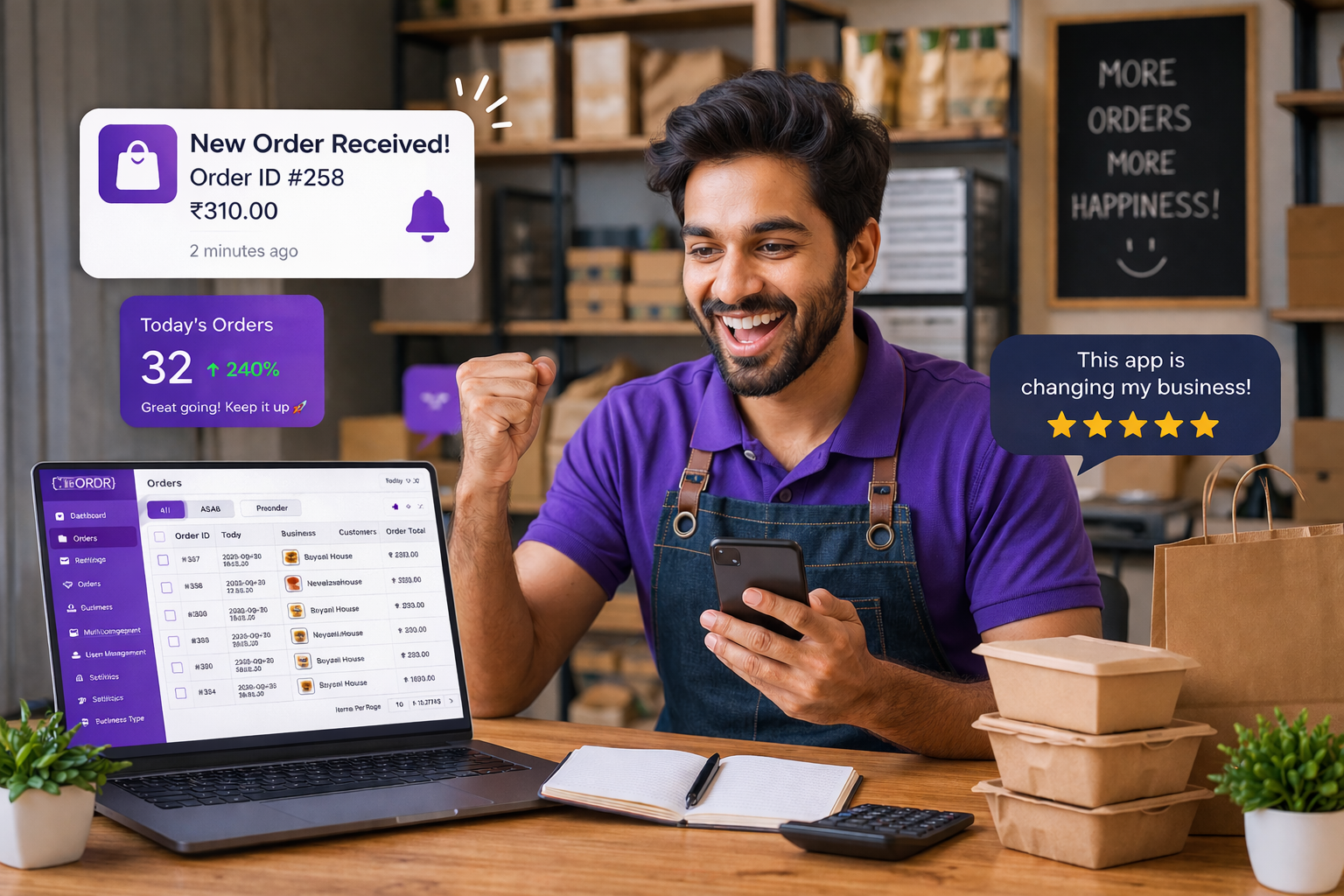
Instant order alerts

Notify kitchen staff, servers, and managers when new orders arrive or need attention.

Sales and menu analytics

Track popular items, order value, table activity, peak hours, and repeat ordering patterns.

Upsell suggestions

Promote sides, desserts, combos, add-ons, and chef specials directly inside the ordering flow.

Multi-language menu

Offer menus in multiple languages so tourists and local customers can order with more confidence.

Fully branded experience

Use your logo, colours, food photography, domain, and brand voice across the full customer journey.

Order status management

Move orders from received to preparing, ready, served, paid, or completed with simple controls.

Every Table Order Goes Straight to the Right Team

Nexordr helps restaurants reduce confusion between guests, servers, and kitchen teams. Orders arrive with table details, selected modifiers, item notes, and payment status, so staff can focus on service instead of rewriting orders.

Operations View

T1Paid
T2Ordering
T3Ready
T4Kitchen
T5Served
T6New

Table 4 · Order #1842

2 burgers, 1 salad, extra sauce

Preparing

Table 3 · Order #1843

1 pizza, 2 drinks, no onion

Ready

Table 6 · Order #1844

Chef special combo

New

Built to Make Dine-in Ordering Faster, Cleaner, and More Profitable

From menu control to table ordering and payment flows, Nexordr gives your restaurant a practical digital system that works during real service hours.

Create Your Menu

Add categories, dishes, prices, images, add-ons, variants, and availability from the Nexordr admin dashboard.

Generate QR Codes

Create QR codes for every table, room, zone, or counter and place them where guests can scan easily.

Receive Orders

Guests scan, browse, order, and send requests directly to your kitchen or staff order dashboard.

Serve and Grow

Track performance, update your menu anytime, promote best sellers, and improve service speed.

Perfect for Restaurants That Want Faster Ordering Without Extra Pressure on Staff

Nexordr QR Code Menu Ordering works for dine-in restaurants, cafes, food courts, hotels, bars, cloud kitchens with pickup counters, and quick-service outlets.

Dine-in Restaurants

Let customers order from the table while servers focus on hospitality, serving, and customer support.

Cafes and Bakeries

Promote specials, desserts, drinks, and add-ons through a visual mobile-friendly menu.

Hotels and Lounges

Use QR codes for rooms, lounges, poolside areas, and private dining spaces.

Quick-service Outlets

Reduce queue pressure by allowing customers to order from tables or waiting areas.

Food Courts

Digitise ordering across multiple counters, vendors, or service sections with clear order routing.

Growing Chains

Manage multiple outlets, menus, tables, and brand settings from one central system.

Packages

Select your location model and billing type

Switch between single-location and unlimited-location packages. Then choose monthly, yearly, or lifetime billing.

Included with this package

Everything needed to launch, manage, and grow your online ordering business.

20 Features

Lifetime packages include the core software package and fully white-label setup. Free updates and unlimited support are included in monthly and yearly packages as listed.

No. NexOrdr charges 0% commission per order. You keep 100% of your revenue and only pay the subscription fee for your chosen plan.

Absolutely. NexOrdr is built to handle large volume and multi-location operations. Our infrastructure supports more than thousands of daily orders and can scale from a single location to worldwide operations.

Yes. You can change your plan at any time as your business grows. Upgrades take effect immediately, and downgrades are applied at the next billing cycle.

Yes. You can try NexOrdr with a free trial and explore the platform before committing to a paid plan.

No hidden charges. Most plans come with free setup. Additional customization or enterprise requirements may incur a one-time fee.

Yes. There are no long-term contracts. You can cancel your subscription whenever you want.

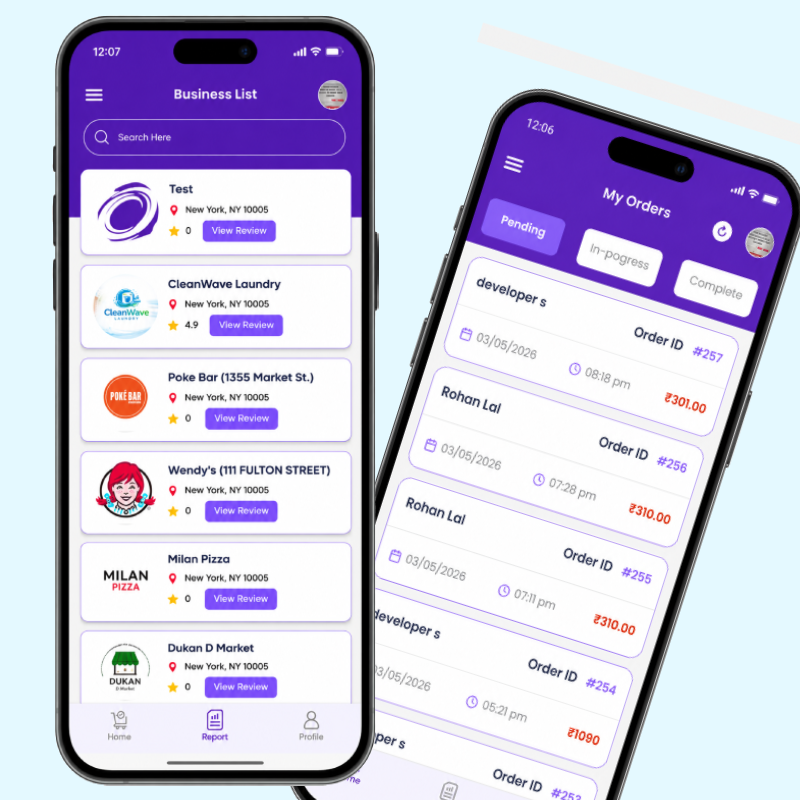
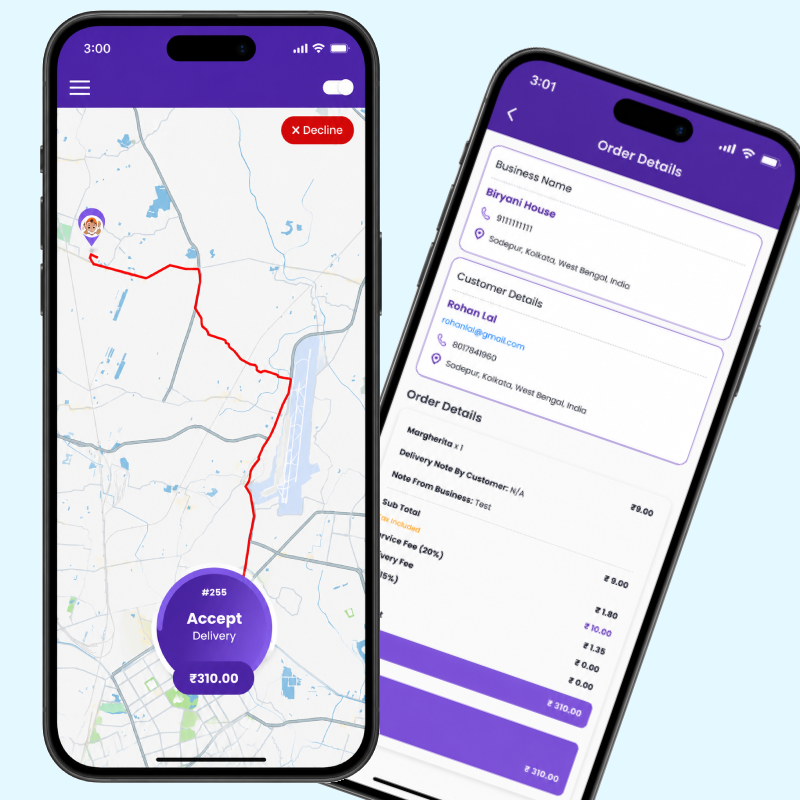
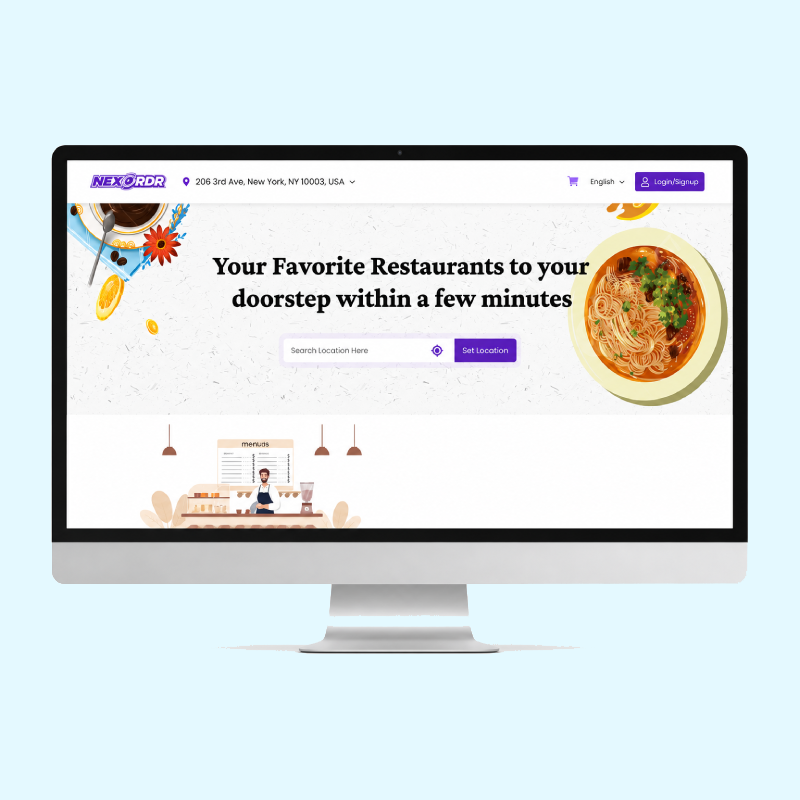
Yes. Depending on your plan, NexOrdr provides:

  • Branded Website
  • Branded Dashboard
  • Customer Mobile App
  • Restaurant Management Mobile App
  • Delivery Driver App
  • Restaurant Admin Panel

Yes. You own your customer database, order history, and marketing information. NexOrdr never shares or sells your customer data.

Yes. Our team can help migrate your menu, customer data, and settings from your existing ordering platform.

NexOrdr supports multiple payment gateways and cash-on-delivery options. Additional gateways can be integrated based on your region and requirements.

Yes. Selected plans support POS integrations. Custom integrations are available for enterprise customers.

Yes. Multi-location and franchise management are available in an Enterprise plans.

Yes. All plans include support. Higher plans receive priority support and dedicated account assistance.

Absolutely. You can connect your own domain name and operate under your restaurant's brand.

Most restaurants can start accepting orders within 48 hours after setup.

No. There are no commission charges, and higher plans offer unlimited orders.

Yes. Enterprise customers can request custom development, and integrations.

Yes. NexOrdr is designed for:

  • Independent Restaurants
  • Cafes
  • Cloud Kitchens
  • Food Trucks
  • Multi-Location Restaurants
  • Franchise Chains

Explore the Frequently Asked Questions